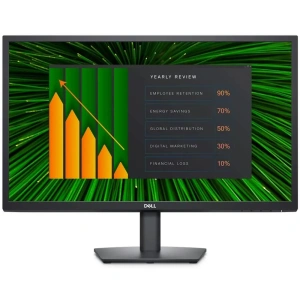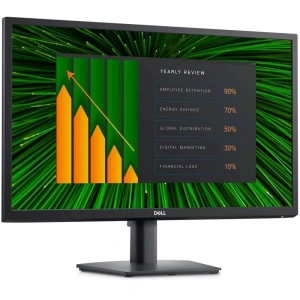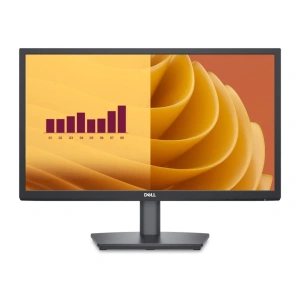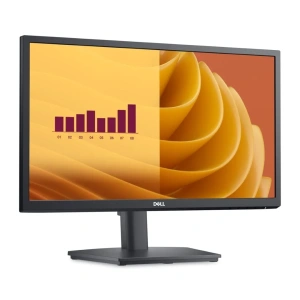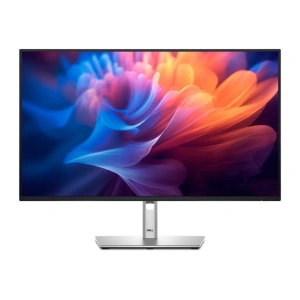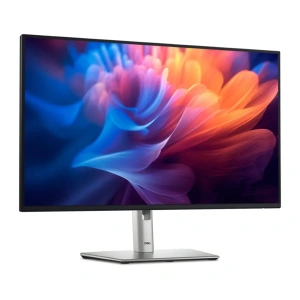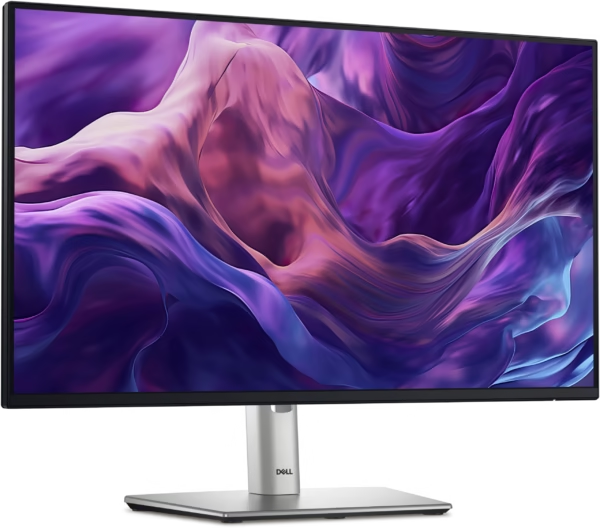
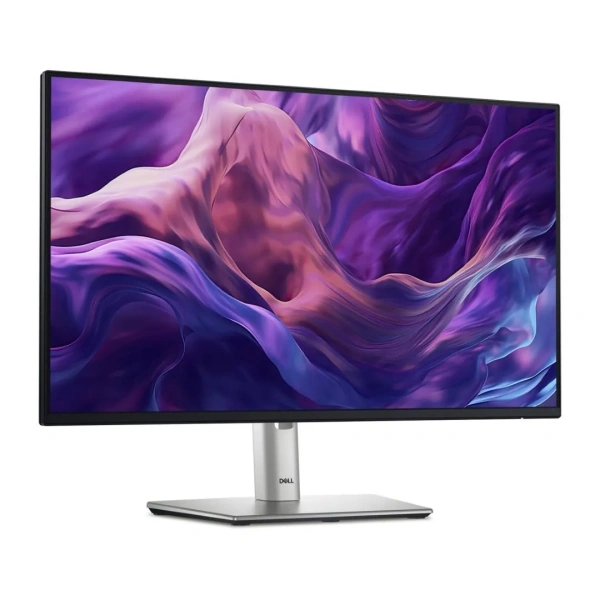
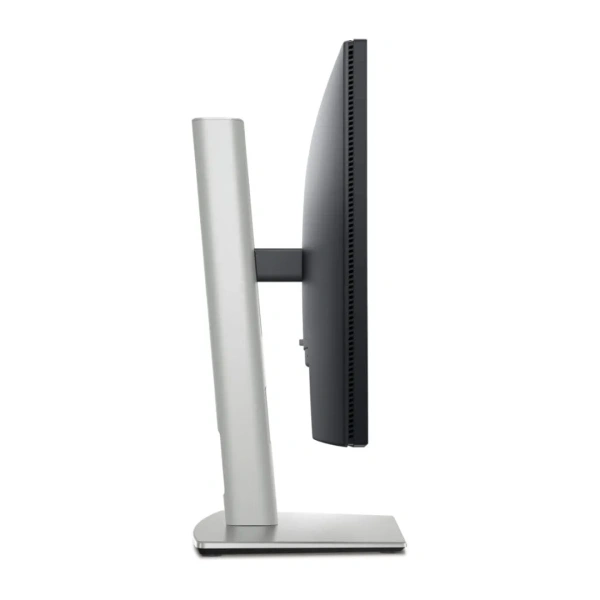
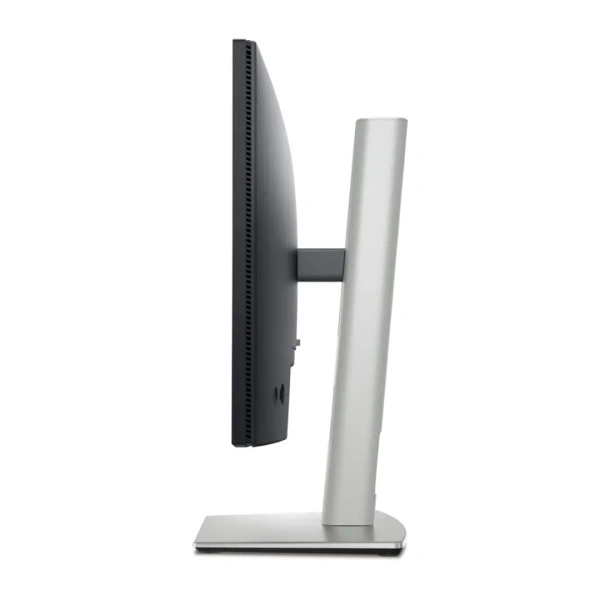
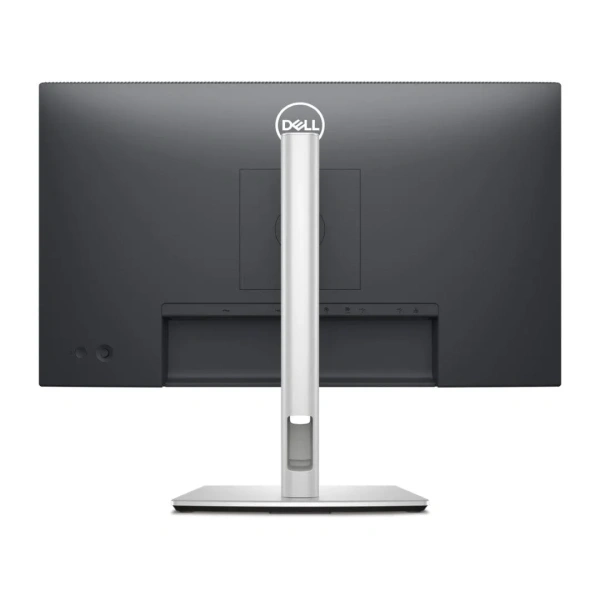
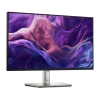
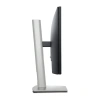
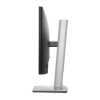
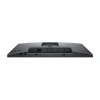



Dell 24-inch Hub Monitor HD Destiny 210-BMJB
Enhanced eye comfort
Improved ComfortView Plus

Refresh rate

Vivid colours
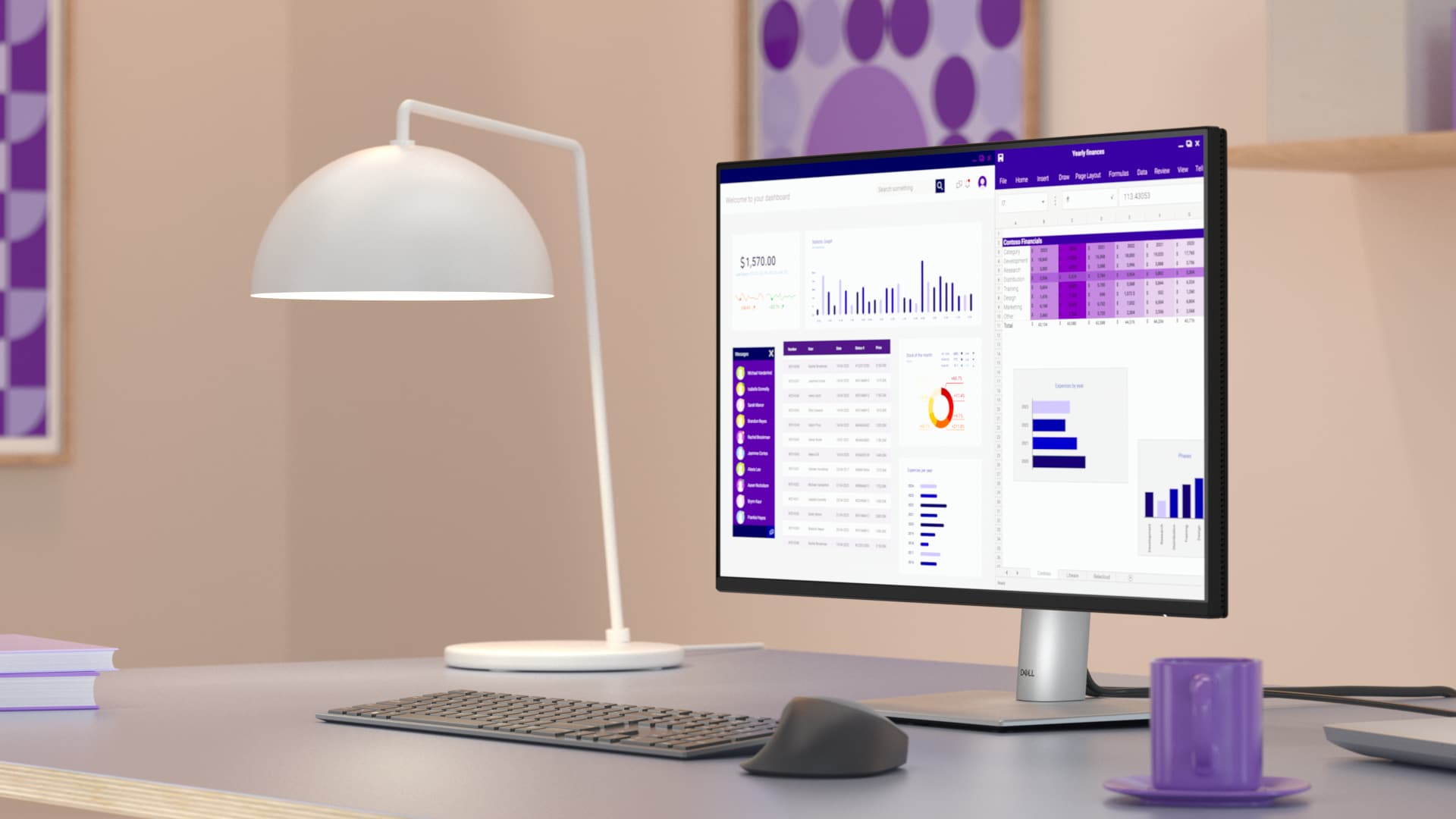
Work in clear details
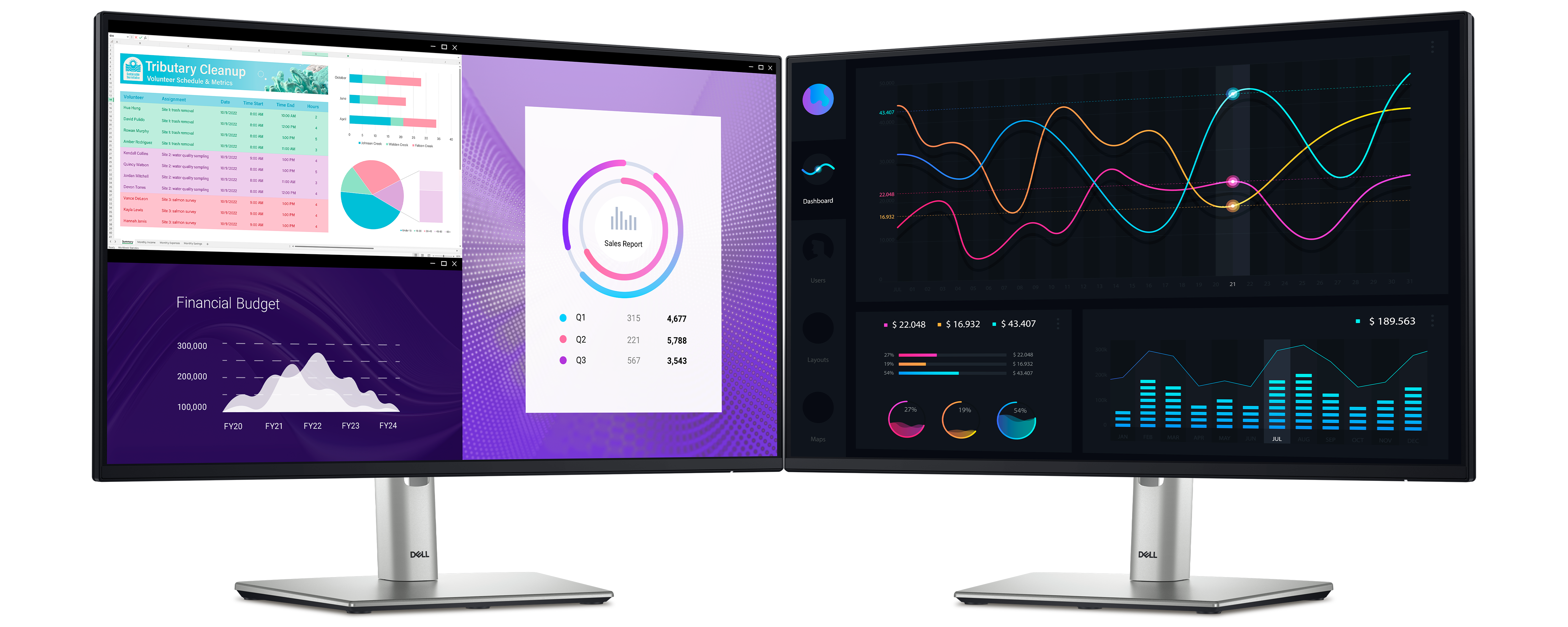
This ultra-thin bezel monitor supports multi-OS environments.
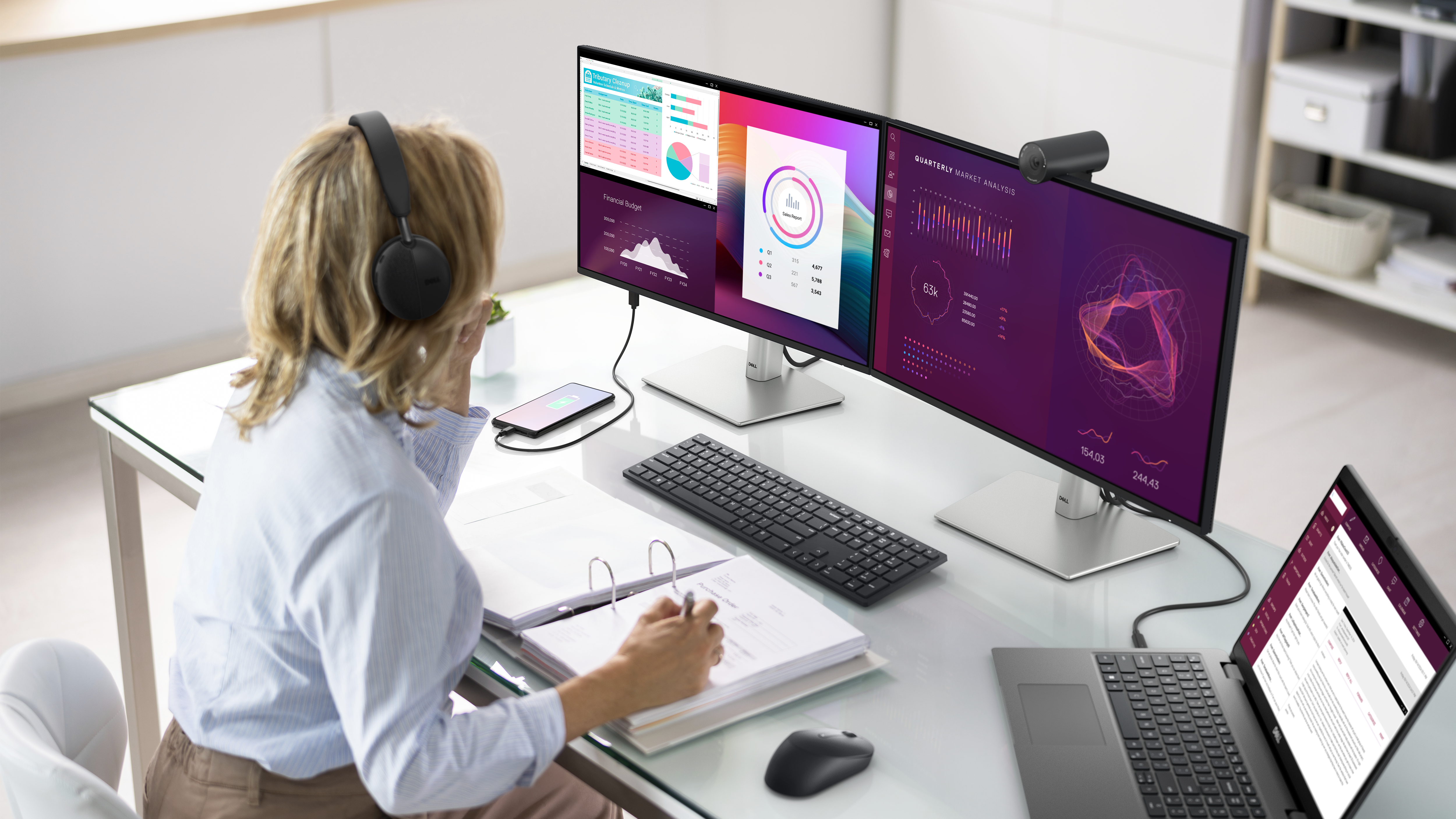
Connect to productivity
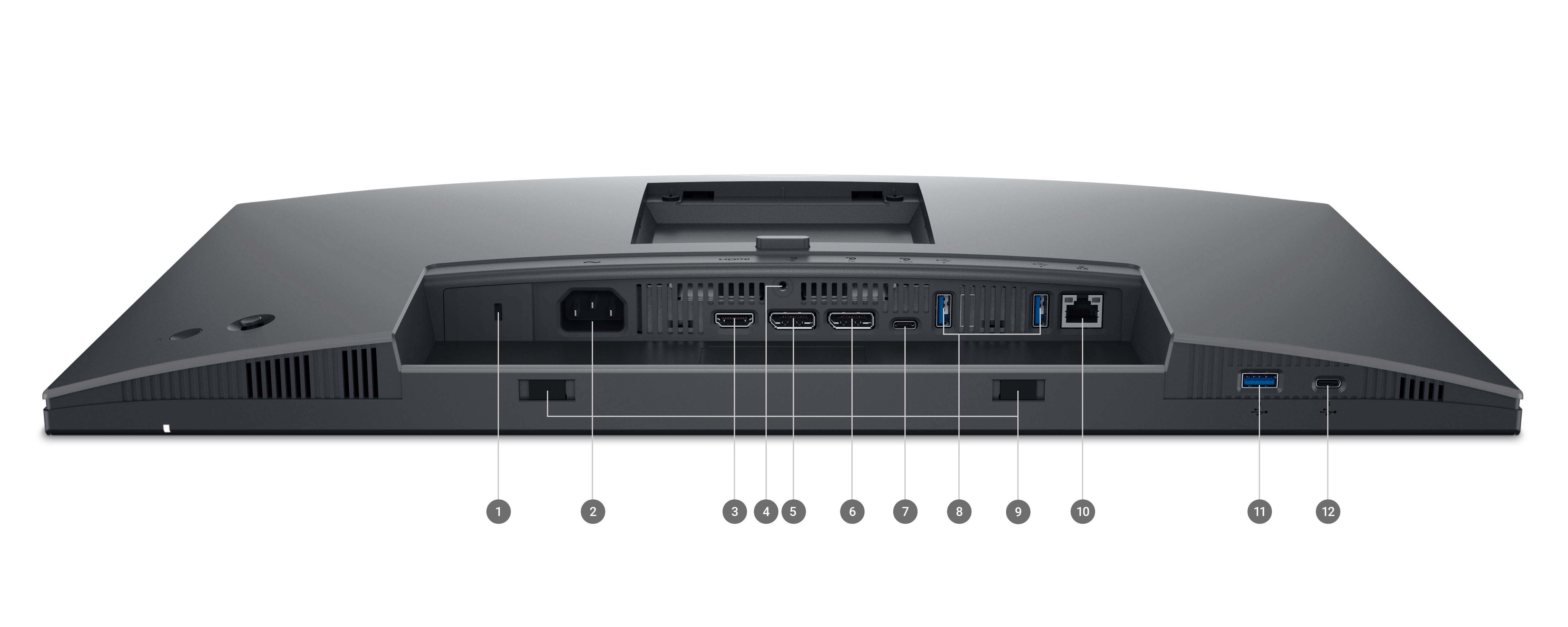
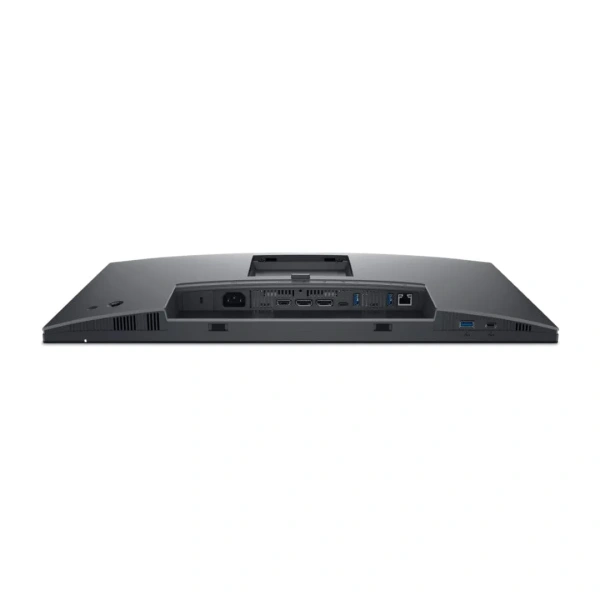
Connect your accessories with a wide variety of ports and enhance efficiency via daisy chaining.
Designed for comfort
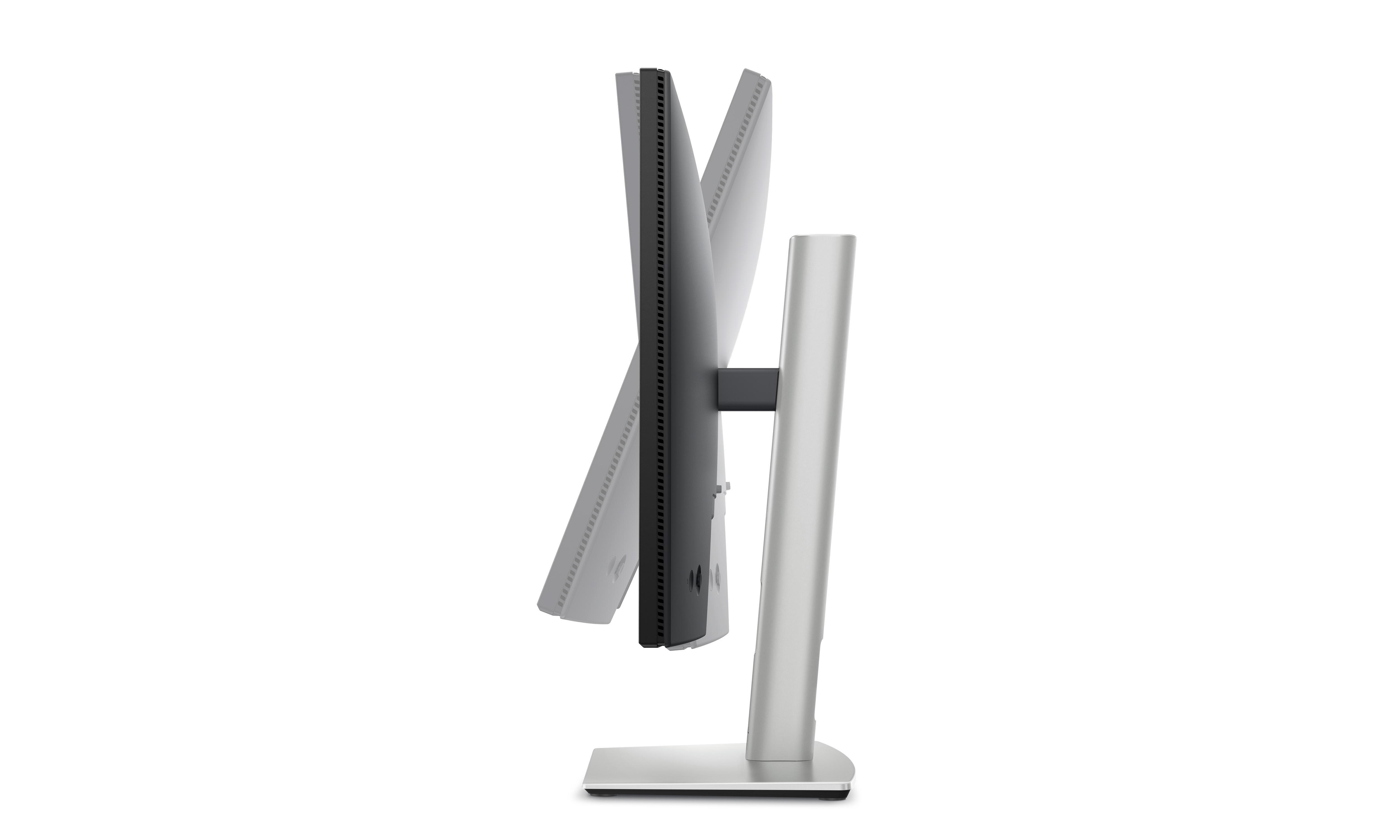
Tilt
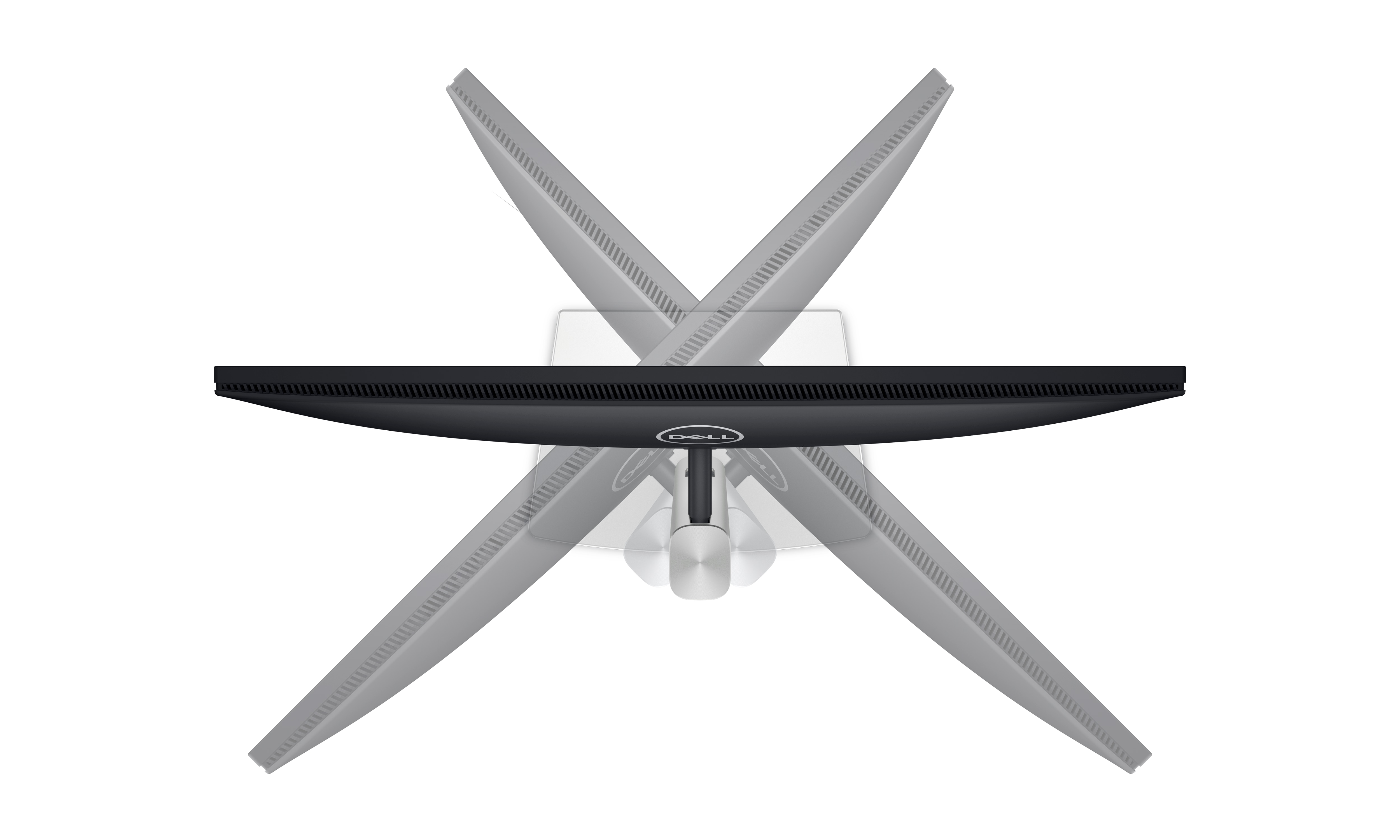
Swivel
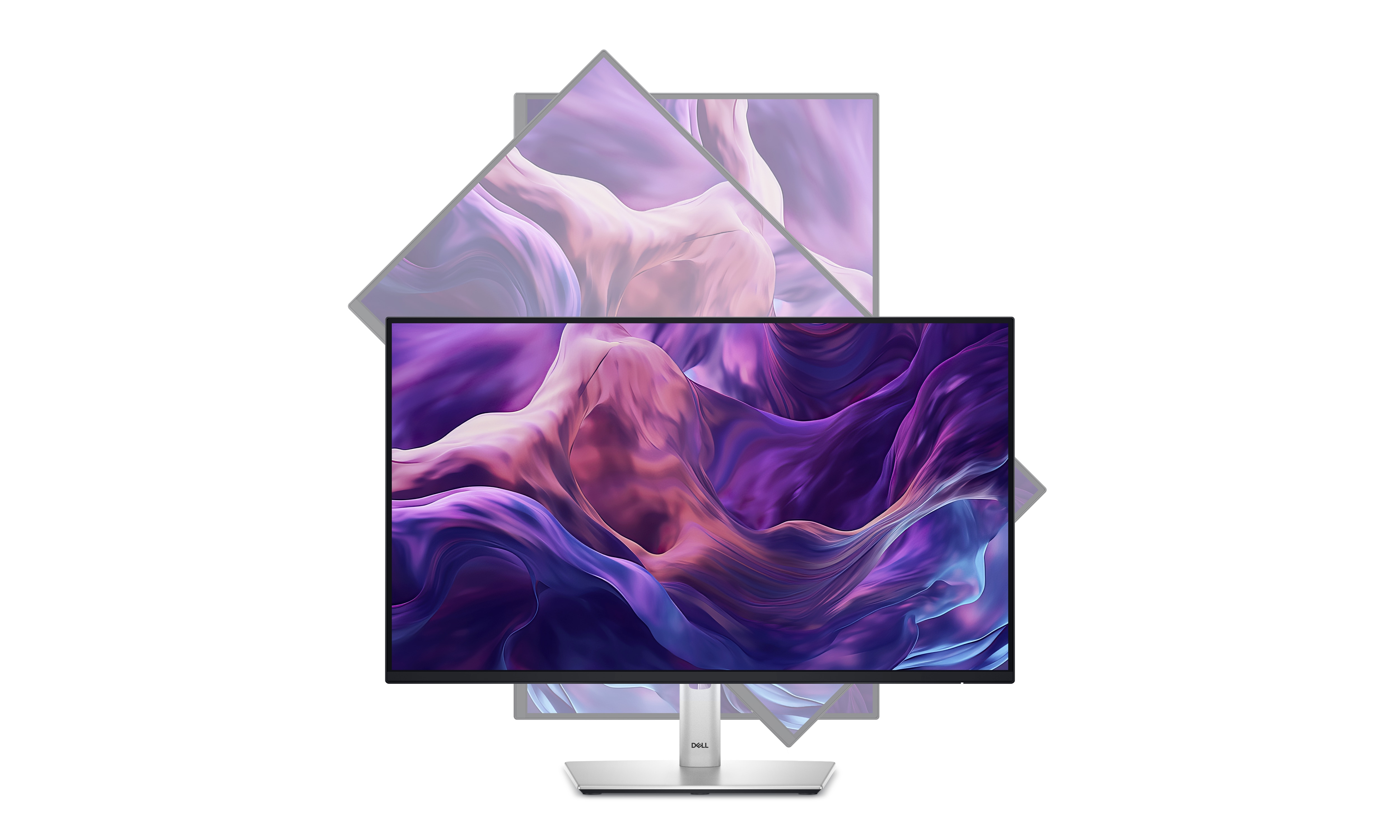
Pivot
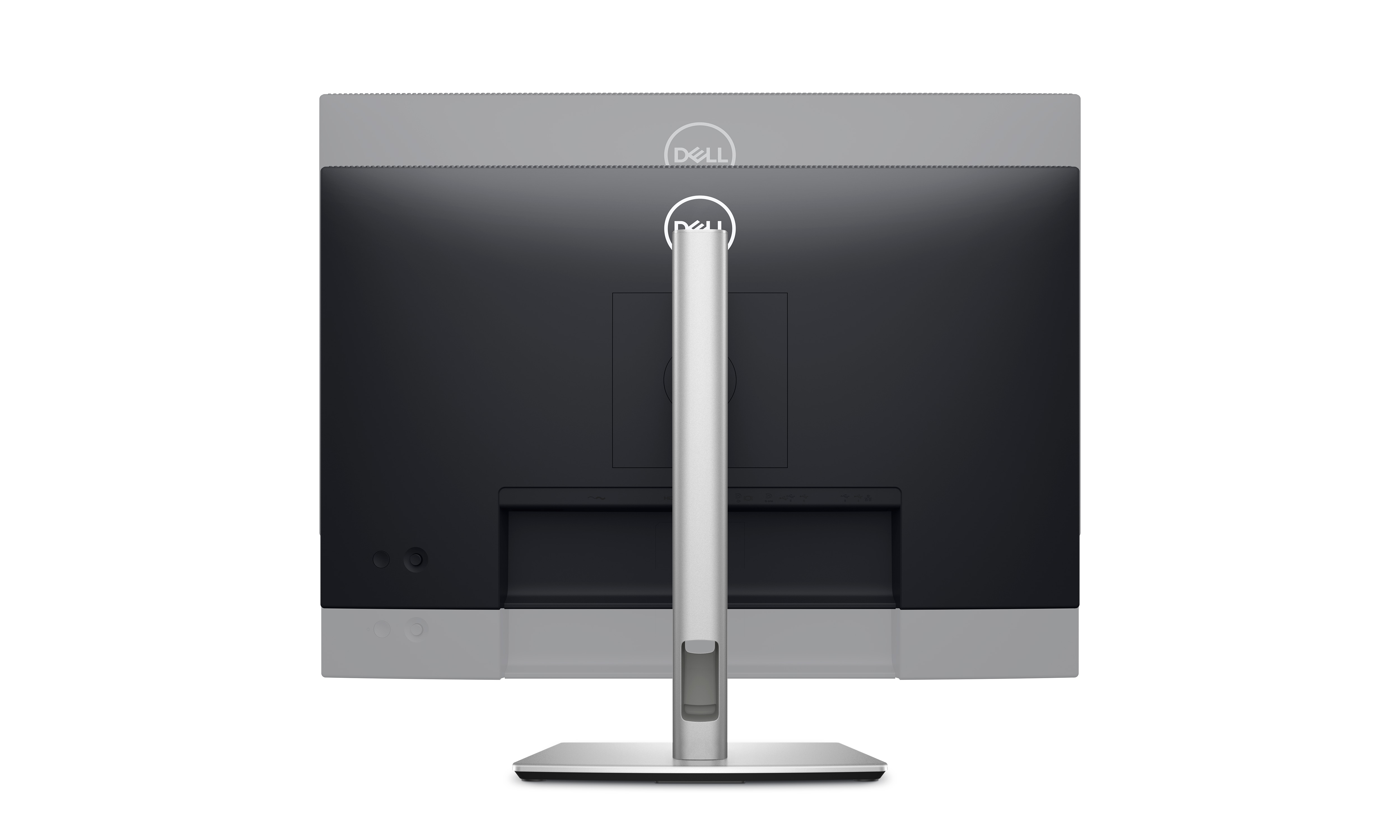
Height
Dell Display and Peripheral Manager
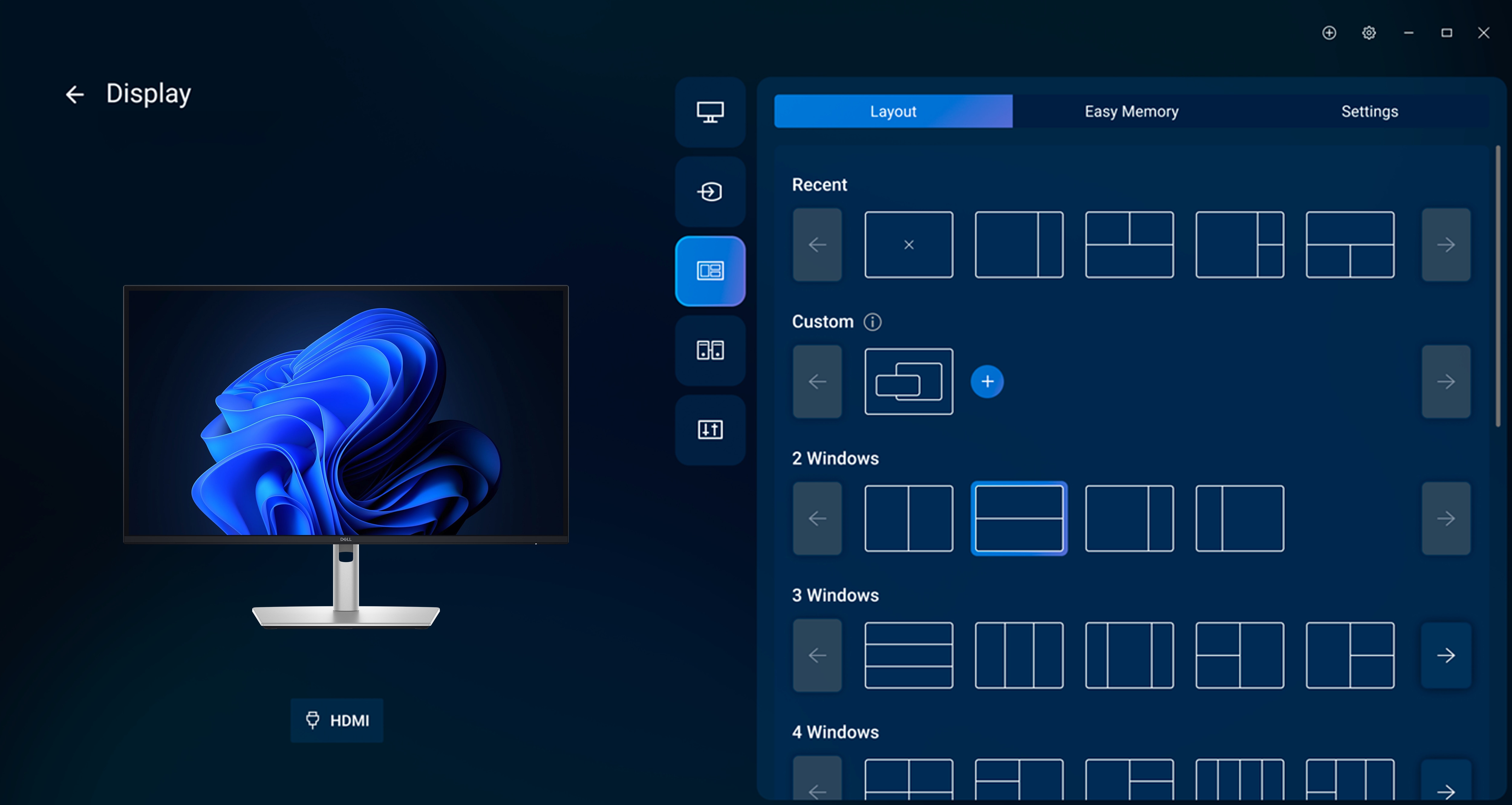
Easy Arrange tiles apps across screens with pre-set partitions and customises up to five windows, enhancing multitasking. Easy Arrange Memory saves and restores app profiles manually, on schedule, or at start-up.
Customise your views
Work comfortably, day or night. Automate your brightness and contrast settings on the Dell 24-inch Hub Monitor to match your schedule.
More manageable
Save time and boost IT efficiency with the Dell Device Management Console to manage your Dell peripheral fleet at scale, from a single cloud-based console. Discover expanded Command Line Interface features from Dell Display and Peripheral Manager.
Disclaimer: Screen image simulated for illustrative purposes only. Monitor model may vary.
Environmentally forward thinking
This Dell 24-inch Hub Monitor has been thoughtfully crafted with sustainable materials including 85% recycled plastics with post-consumer recycled plastic and closed-loop ITE-derived plastic, 50% recycled steel, 100% recycled aluminium and at least 20% recycled glass.
Low-impact packaging
This Dell 24-inch Hub Monitor ships with reduced plastic and is in a box made with 100% renewable materials that is recyclable. Dell is shifting to a cushioning solution derived entirely from fibre that is kinder to the environment.
Energy conservation
Using PowerNap mode in Dell Display Manager lowers energy use by up to 14.8%.
Excellence in environmental standards
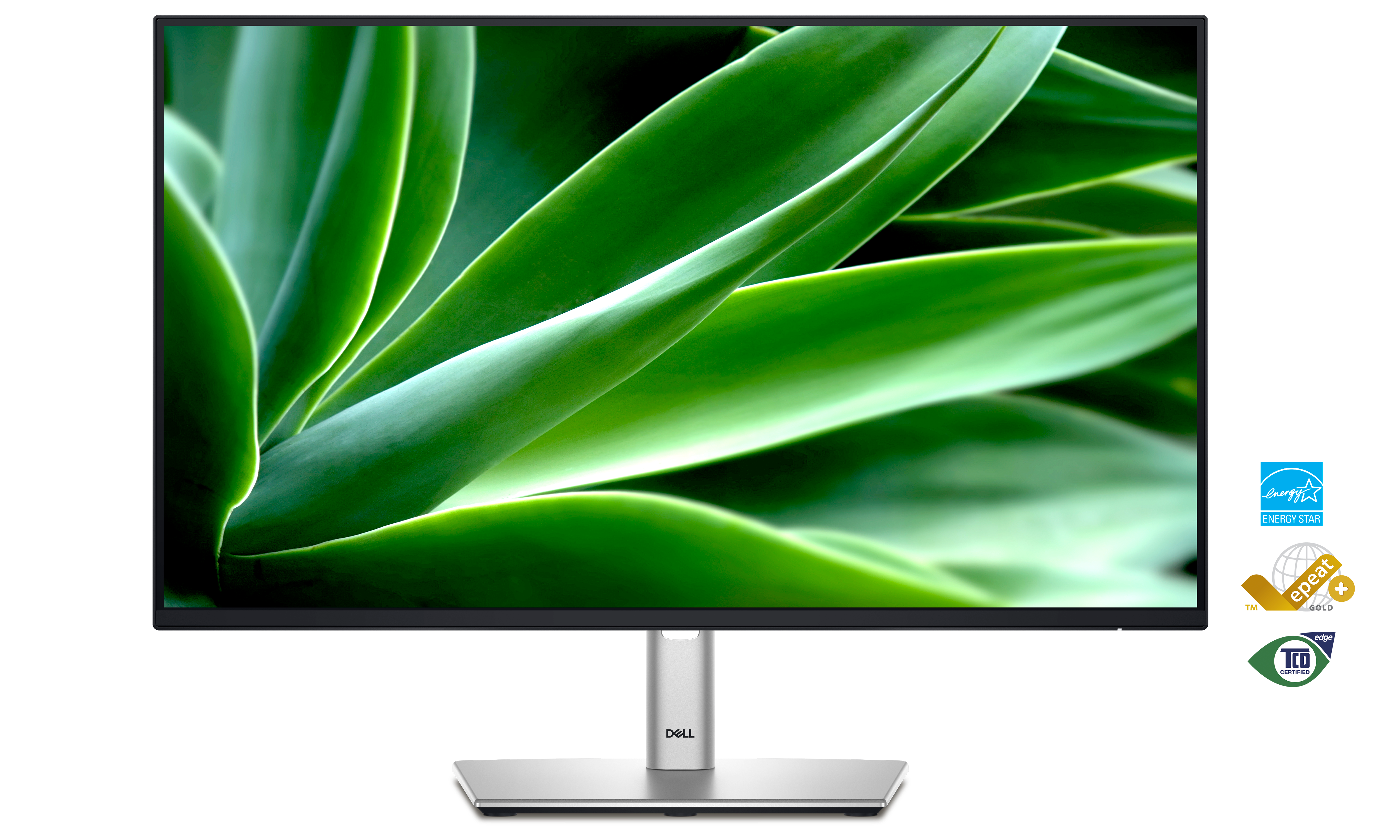
This Dell 24-inch Hub Monitor is certified ENERGY STAR® 8.0, carries the TCO Certified Edge designation, and is registered EPEAT Gold with Climate+. With Climate+, this monitor has met industry best practices around decarbonisation.
Connectivity options