Microsoft Office Professional 2021 Lifetime 1-user
Buy Microsoft Office Pro 2021 at PackardSA.co.za – Pay Less, Get More!
Instant digital delivery. Secure checkout. Trusted South African supplier.
🎯 Product Overview
Unlock the full power of productivity with Microsoft Office Professional 2021 – a one-time purchase for lifetime access on a single Windows PC. Ideal for small businesses, professionals, and home users who need the classic Office suite plus advanced tools like Access and Publisher.
📩 Delivery
Your genuine Microsoft Office 2021 product key will be emailed within 48 hours of confirmed payment. Includes secure download link
Microsoft Office Professional 2021 Lifetime 1-user Download
Included Applications
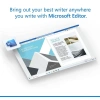
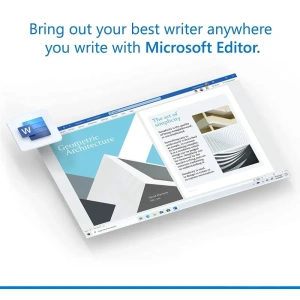
Microsoft Word 2021
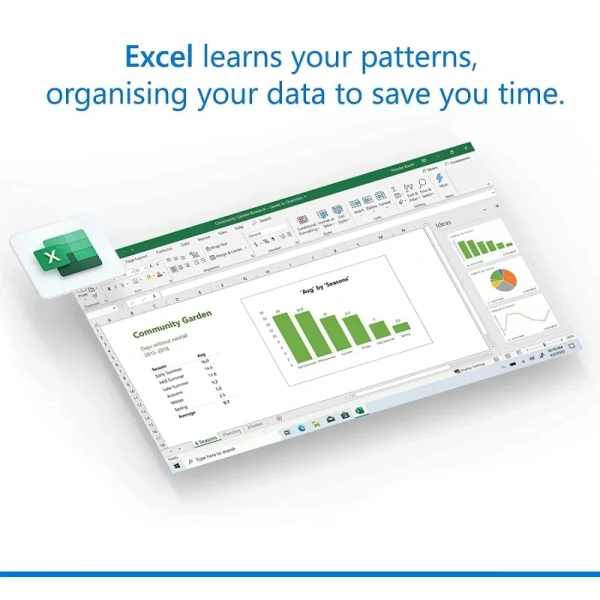
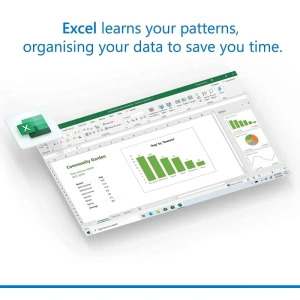
Microsoft Excel 2021
Microsoft PowerPoint 2021
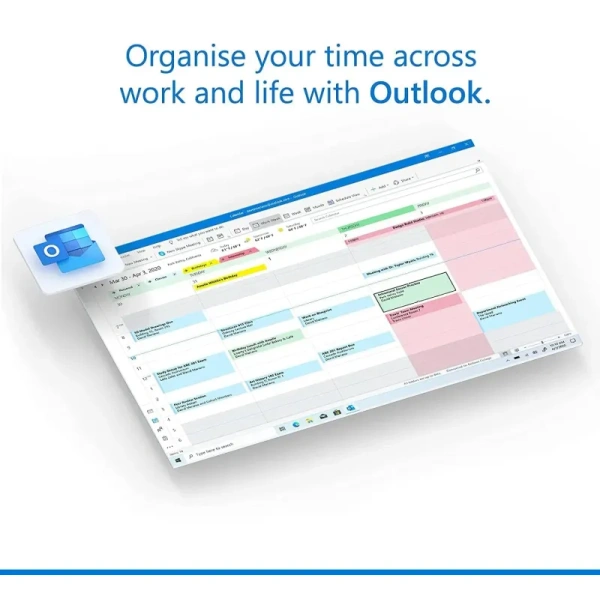
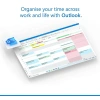
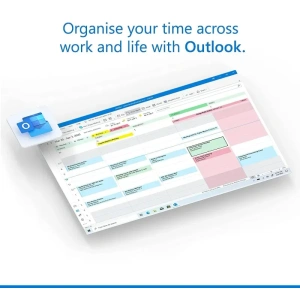
Microsoft Outlook 2021
Microsoft Access 2021
Microsoft Publisher 2021
Skype for Business
OneDrive integration
Key Benefits
🔒 Lifetime license for 1 user – no monthly fees
🖥️ Compatible with Windows 11 and Windows 10
📞 Free Microsoft support for 60 days
📁 Seamless integration with Microsoft Teams
📈 Enhanced features: co-authoring, inking tools, new data types, translation tools, and more
🧩 Perfect for business, academic, and personal us
Microsoft Office Professional 2021 Lifetime 1-user Download
Office Professional 2021, 1 user (This License will be emailed to you with a download link for your software within 48 hours of payment being received)
Why Choose PackardSA?
🇿🇦 Trusted South African distributor
🔐 Secure checkout and verified licenses
🚀 Fast delivery and expert support
💼 Ideal for government RFQs, SMEs, and enterprise IT team
Requirements
Processor
1.6 GHz, dual-core processor
Operating system
Windows 11 or Windows 10
Memory
4 GB (64bit), 2 GB (32bit) RAM
Hard disk space
4 GB available disk space
Display
1024 × 768 resolution
Graphics
DirectX 10 graphics card for graphics hardware acceleration
If you run into any problems or have any questions, please reach to us through our contact us page or our support email “sales@packardsa.co.za“. Our sales and technical team is available at your service.
1.Download Office Setup file in English (from the link above or by clicking here)
2.Double click or Right-click on “ProPlus2021Retail.img” file, then click on Mount
3.Double click or Right-click on “Setup” file, then click Open
4.Wait for the setup installation to complete
5.Click on Start and open any Office app (for example open Word)
6.Wait for the Activation screen pop up
7.Now enter the Product Key you received after purchase, then click on Activate Office
8.An activation Window will show up where you have to select “Activate over the Telephone” and then it will show you the Installation ID screen with a toll-free phone number which is an automatic bot system, Call the South Africa Number +27 11 844 6011 or 0801 43 43 43
9.Call the automatic bot system and provide it the Installation ID
10.The bot will provide you a Confirmation ID that you can enter on the same screen
11.After entering that Confirmation ID your MS Office will fully activated
If you run into any problems or have any questions, please reach to us through our contact us page or our support email “sales@packardsa.co.za“. Our sales and technical team is available at your service.
Standard Delivery Times for all Products:
Main City Centre’s: 1-3 working days
Regional areas: 3-4 working days
Outlining areas: 3-5 working days
All Back orders ( items which are not in stock ) will take 4 to 10 weeks to order after payment is received.
All Orders under R500.00 will be charged a standard delivery fee.
Once Ordered: If the product has gone end of life (EOL) – you will be notified via email that the product that you have purchased is discontinued and we will or offer you a replacement unit as stipulated by by the manufacture at a new cost or we can refund you.
(Please go through the Returns and Refunds Policy at the bottom of the page for more details)
If ordering accessories or consumables, please make sure they are the correct items for your device or printer and if wrongly ordered please contact us at sales@packardsa.co.za within 24 hours of receiving the product so we can assist you with the process of changing your order.